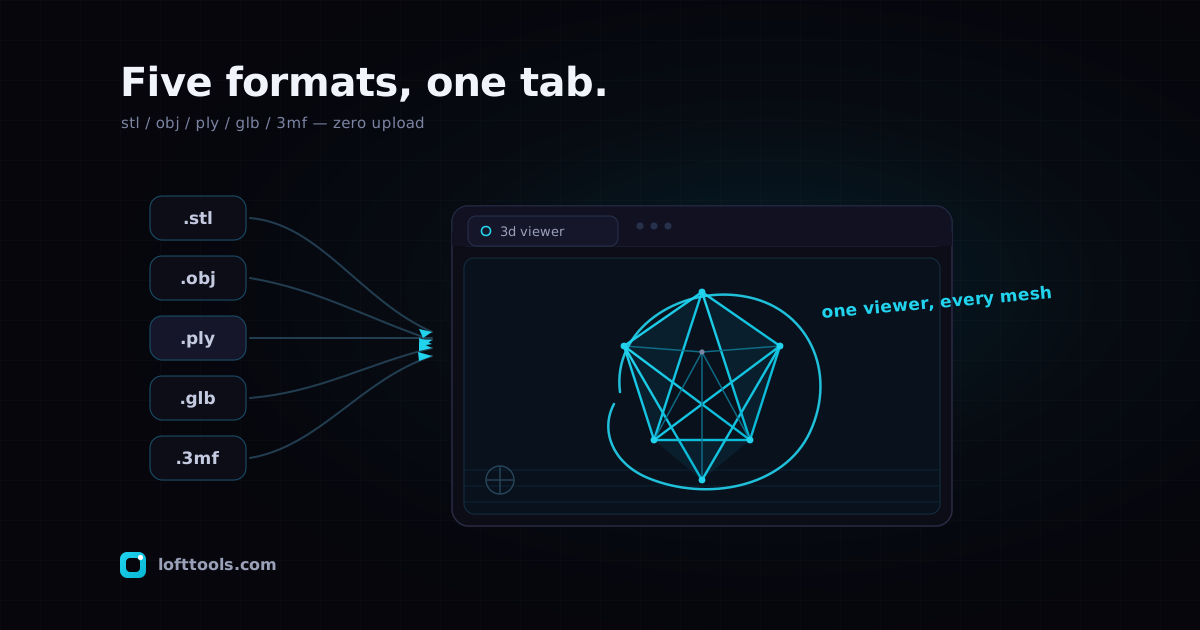
A 3D mesh file stores a model as a list of points in space and the triangles that connect them. STL, OBJ, PLY, GLB, and 3MF are the five you meet most — from slicers, scanners, and 3D software. An online 3D viewer opens them without a desktop install. Loft renders all five in one browser tab, no upload.
Each format won a different corner of the 3D world. STL is the lingua franca of 3D printing — binary or ASCII, just raw triangles, no colour. OBJ is Wavefront’s geometry format, exportable from almost every 3D package including Blender and Maya. PLY (the Stanford Polygon format) is where LiDAR scans and photogrammetry tools like Meshroom, RealityCapture, and Polycam tend to land.
GLB is the Khronos Group’s modern binary glTF — it carries physically-based materials and textures in a single file, which is why Sketchfab downloads, game engines, and Apple’s AR Quick Look use it. 3MF, the 3D Manufacturing Format, is the native project format for Bambu Studio, PrusaSlicer, Cura, and OrcaSlicer; unlike STL it can hold colour, multi-part assemblies, and printer settings.
Who needs to open one — and the usual pain
Someone emails you an .stl of a bracket. A vendor sends a .3mf print job. A field crew drops a .ply scan in your inbox. You don’t want to model anything — you just want to look at it, maybe measure a hole, maybe grab a picture for a slide.
The usual answers all have friction. Install a slicer or MeshLab or Blender just to open one file. Boot a Windows machine because the good viewers are Windows-first. Or paste the file into a “free online 3D viewer” that quietly uploads your geometry to a server you’ve never vetted. For a proprietary part or a client scan, that upload is the dealbreaker.
How Loft opens all five in one viewer
Under the hood there’s a single mesh viewer built on Three.js, the widely used WebGL 3D library, running on a WebGL2 renderer. STL, OBJ, PLY, GLB, glTF, and 3MF each get their own landing page for findability, but they all feed the same engine. Drop any of the five — or drag one onto the STL page and then a GLB onto it next — and the viewer detects the format from the file and renders it. There’s no “convert” step and no mode switch.
Controls are the same across every format. Drag to orbit, right-click drag (or two-finger drag on a trackpad) to pan, scroll to zoom. Toggle between shaded, wireframe, and shaded-with-edges so you can read the surface or the topology. A reset-camera button reframes the model in one click when you’ve spun yourself into a corner. A status footer shows the triangle count and file size so you know roughly what you’re handling.
Measuring and capturing
Two features turn “looking at it” into “getting something done.” Point-to-point measurement lets you click Measure, then click two points on the surface — the distance prints in the status bar in the file’s native units, which for printing formats is usually millimetres. On multi-mesh GLB or multi-part 3MF models the picking walks into every sub-mesh, so you can measure across parts.
PNG screenshot exports whatever’s in the viewport at the current camera angle. For a GLB the export bakes in the materials and lighting; for an STL it’s the shaded render. It’s the fastest way to get a model into an email, a ticket, or a slide without screen-recording your desktop.
The part that matters: nothing uploads
Every byte stays in your browser tab. The file is parsed and rendered locally — there’s no server round-trip, which is the whole reason this viewer exists. Most browser-based 3D viewers (viewstl.com, online-3d-viewer.com, 3dviewer.net, gltf.report) upload your file to do the work. Loft doesn’t, so you can open a confidential CAD export, an unreleased product scan, or a client’s print file on a shared or hotel machine without it leaving the device.
A nice side effect: because the engine is already on your machine after the first visit, the viewer keeps working offline thanks to the PWA cache. I’ve opened files on a plane with the Wi-Fi off, which is a low bar, but it’s a bar most upload-based tools fail. For more on why local-compute makes this possible, see how it works.
Honest limits
This is a viewer, not an editor — it won’t let you change the model, repair a mesh, or re-export to another format. It’s read-and-measure, on purpose. A few format-specific edges are worth knowing too, because pretending they don’t exist would just waste your afternoon:
- OBJ renders geometry with a default shaded material. Companion
.mtl material files and external texture images aren’t loaded in this release, so a textured OBJ shows up grey. If you need textures, GLB is the format to reach for — it packs them into one file.
- PLY colour data: per-vertex colours aren’t displayed yet, and dense LiDAR point clouds render as small triangulated patches rather than true points. For heavy point-cloud work, a dedicated tool like CloudCompare or Potree will serve you better.
- GLB animations don’t play — the viewer is focused on static geometry, measurement, and screenshot. If a
.gltf references external image files that weren’t in the drop, those textures will be missing.
- 3MF relies on Three.js’s
ThreeMFLoader, which has known edge cases with some variants. If a file refuses to open, re-export a plain 3MF from your slicer (or fall back to STL).
And to set expectations on the CAD side: STEP — the solid-model B-rep format — is not part of this mesh path. It runs on a separate in-browser CAD engine (Rust compiled to WebAssembly) that’s in active development. IGES and DWG are out of scope for the browser viewer; convert those upstream to STEP or GLB. (You may notice the engine’s version in the status footer even on the STL page — that’s a wire-contract check for the CAD pipeline, not the STL renderer, which is plain JavaScript.)
Works on whatever you’re holding
Because it’s all WebGL2 in a tab, the same viewer runs on Windows, macOS, Linux, ChromeOS, iPad, and Android — any modern browser. There’s nothing to download, no licence to activate, no account. Files up to 100 MB load in a current browser; very dense meshes may pause briefly during parsing, which is a JavaScript limit, not a server queue.
If you’ve ever kept a Windows VM around solely to open the occasional STL, this is the part worth internalising: the device you already have, plus a URL, covers the common case. I built this because I was tired of installing a 1 GB slicer to look at a 2 MB bracket.
Takeaway
STL, OBJ, PLY, GLB, and 3MF are five formats describing the same thing — a 3D model as triangles — and one browser viewer can read all of them. You get orbit, three render modes, point-to-point measurement, and a PNG export, with no upload and no install. It’s read-only, and textures are limited on OBJ and PLY, but for seeing and measuring a model that landed in your inbox, that’s usually all you need.
Open one now at the STL Viewer — or go straight to the 3MF Viewer for slicer projects and the GLB / glTF Viewer for textured models. They’re the same engine wearing different labels.