Buyer's guide May 28, 2026 · 5 min read
Adobe Acrobat Pro vs Loft — what $240/year actually buys
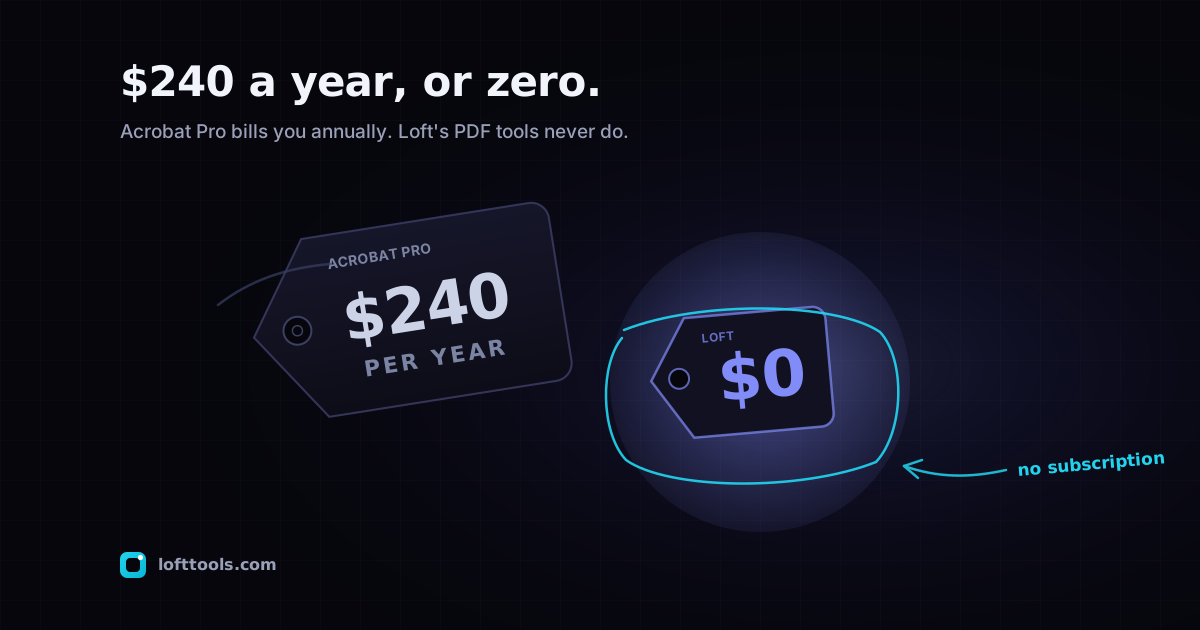
Adobe Acrobat Pro DC costs $19.99/month on the annual plan ($240/year), $29.99 month-to-month. That is real money for a tool many users only need occasionally. Here is an honest breakdown of what the subscription buys, what Loft delivers free, and when each one is the right call.
By Khine 910 words → PDF Editor Extractable lead
Verdict
Use Acrobat Pro if you live in PDF eight hours a day. $240/yr
is a small fraction of your hourly value and the depth is worth it.
Use Loft Tools if your PDF use is occasional. Three operations
a month on Acrobat = $80 per operation. Loft’s per-operation cost
is zero.
For the middle case → start with Loft. Subscribe to Acrobat
when you hit a specific feature gap. That’s how the $240/yr
decision should be made.
Pricing, every tier
| Adobe plan | Monthly billed annually | Total per year |
|---|
| Acrobat Standard DC | $12.99/mo | $155.88 |
| Acrobat Pro DC — annual | $19.99/mo | $239.88 |
| Acrobat Pro DC — monthly | $29.99/mo | $359.88 |
| Acrobat for Teams Pro | $23.99/user/mo | $287.88 / user |
Source: adobe.com/acrobat/pricing.html
accessed 2026-05-27.
Loft: free, no tier upsell on essentials, no account required.
What $240/year buys you
Adobe Acrobat Pro DC at $19.99/month annual is, by any honest
measure, a deep and well-engineered tool:
- The full desktop authoring suite (creation, deep editing, forms
designer, action wizard for batch automation, accessibility
tagging, prepress optimisation, PDF/A archival validation,
regulator-grade redaction with audit trail).
- Adobe Sign (basic tier bundled).
- Adobe Document Cloud storage for cross-device sync.
- Native iOS and Android apps with feature parity to desktop.
- OCR across 200+ languages via Adobe’s in-house engine.
- Real human customer support.
- Established trust in regulated industries — “we use Adobe” is
sometimes the only acceptable answer.
What Loft delivers free
For most of the operations Acrobat ships, Loft has an equivalent:
compress, merge, split, crop, rotate, page reorder, watermark,
header/footer, page numbers, OCR (PaddleOCR + Tesseract), redact,
true content-stream edit, sign (basic), form fill, extract text /
images / pages.
Plus tools Acrobat doesn’t ship at all: a 3D viewer, a Gerber
viewer, image tools, dev tools, calculators, video tools.
What Loft does not match: Action Wizard batch automation, full
PDF/A validation, team management, enterprise SSO, native mobile
apps with full parity, phone support.
Which should I pick when
My PDF use is essentially one-off per month — Loft. $240/yr
for twelve operations is $20 per use. The same operation in a
browser tab takes 30 seconds and costs nothing.
I sign two or three contracts a year and that’s the bulk of my
PDF work — Loft. Even Acrobat Standard ($156/yr) is overkill
for this. The browser’s PDF viewer plus Loft’s sign tool covers it.
I’m a designer who lives in InDesign and exports PDFs daily —
Acrobat Pro. The ecosystem integration is worth the $240 by week
one.
I work in a regulated industry that requires Adobe compliance
features (PDF/A audit trail, signed redaction certificates) —
Acrobat Pro. Loft doesn’t ship the regulatory-grade audit
artefacts.
I’m a small business with three people sharing documents —
Acrobat for Teams Pro, or iLovePDF Business for cheaper team
features. Loft has no team workflows.
I do roughly 5–10 PDF operations a month on personal documents —
Loft is enough. The few operations a year that aren’t covered, you
can handle by signing up for one month of Acrobat monthly
($29.99) and cancelling.
I run batch automation across 1000+ PDFs at month-end —
Acrobat Pro Action Wizard. Loft processes one file per tab.
A note on Acrobat Standard
Acrobat Standard DC at $12.99/month is the middle ground. It’s
missing some Pro features (no audit-redact, no Action
Wizard) but is otherwise capable. For users who specifically need
those Pro features, Pro is the move; for everyone else, Standard
is a more reasonable price point and worth a look before jumping
to Pro.
We don’t compare against Standard as much because the Pro and Free
comparisons are sharper. But Standard is the right Adobe tier for
some real users.
A note on Acrobat Reader (free)
Adobe Acrobat Reader DC is free, takes around 2 GB on Windows, and
reads PDFs with a small subset of edit operations. The $240/yr
subscription buys the authoring side specifically.
If reading is all you need, your browser’s built-in PDF viewer
(Chrome ships PDFium; Firefox ships PDF.js) probably covers it without
Reader OR Loft.
Honest framing
We don’t think the right answer here is universal. People who use
Acrobat daily are usually right to keep subscribing. People who
use it three times a year are usually wrong to keep subscribing.
The hard part is knowing which one you are, and the easiest way
to find out is to try the alternative for a few weeks before your
renewal hits.
If you’re already in the middle of a billing cycle: try the
operation on Loft the next time you reach for Acrobat. If the
browser version is enough, you’ve found a candidate for not
renewing. If it isn’t, you’ve learned exactly what feature gap to
shop for.
A small bias I should name
I built Loft. I obviously think the browser-side architecture
deserves more users. I’ve tried to write this comparison fairly —
Acrobat is genuinely the right tool for many readers, and the post
above says so where it applies — but the bias is real. Read the
comparison from
machow2 or any
third-party Acrobat review for a less-tilted view.
The Adobe install size comparison
covers the disk and RAM side. The
pillar at /docs/how-it-works/ covers
Loft’s architecture in full.